 Hit the Road Dude AIONE PHOTO. YOUR PRIVATE PROPERTY.
Choose a photo template if you want the shortest setup, a photo-and-prompt workflow if you want a new interpretation, or a performance-reference workflow if the exact pauses and gestures are central to your idea. Ask separately whether the result uses new generated speech or an existing recording: a template name alone does not answer that.
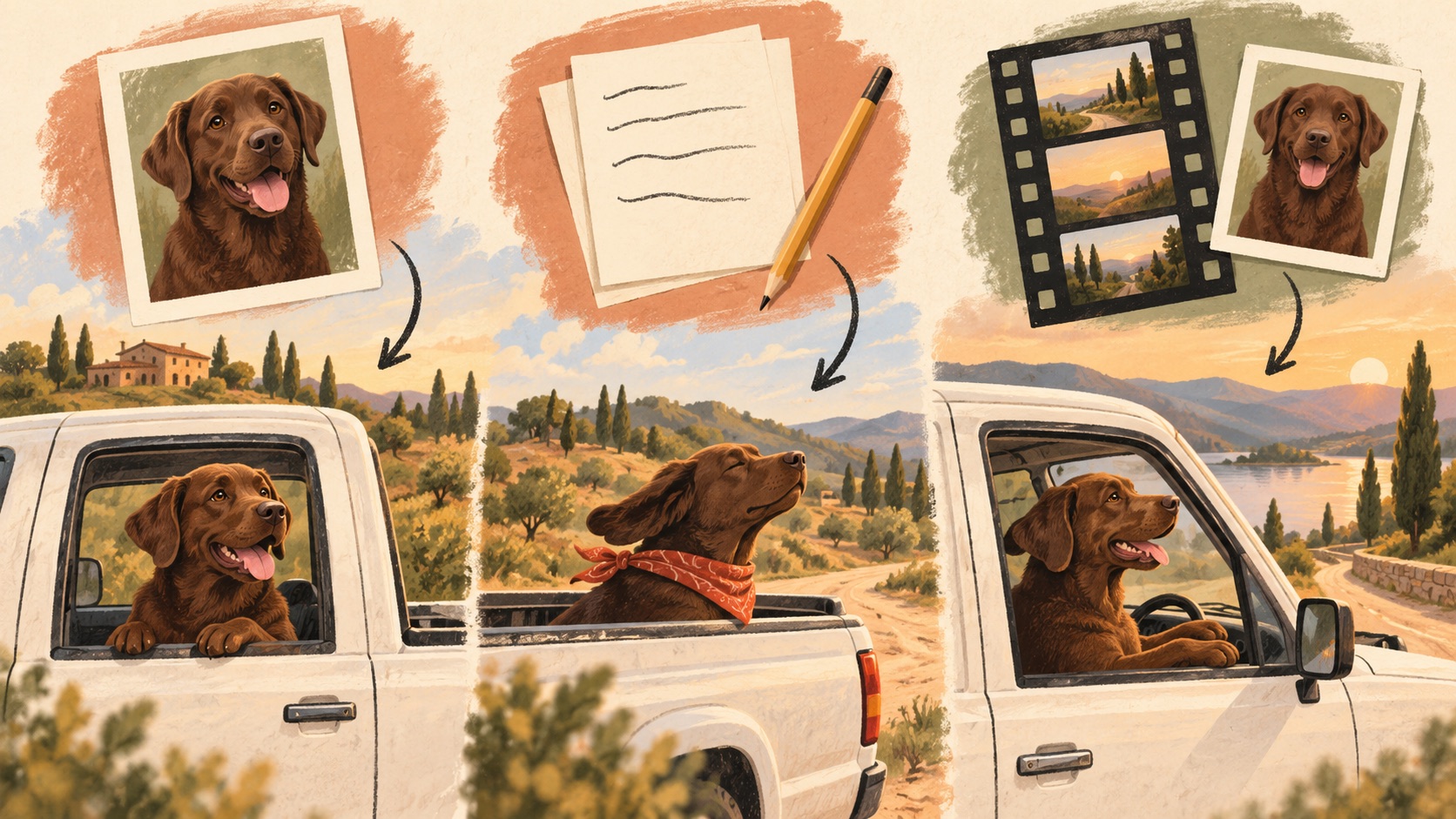
Original AI-generated editorial artwork. These drawings explain workflow choices; they are not product outputs.
This comparison was researched on October 19, 2026. External descriptions below are attributed to the providers' own pages. We did not purchase a new video from those providers for this article. Our own example is labeled separately.
Start with the result you actually want
“Make the same TikTok” can mean three different things. Choose your requirement before comparing tools:
| Your priority | Start by investigating | What to confirm |
|---|---|---|
| My dog in a recognizable white-pickup joke | A photo-led template with an actual pet example | Whether the shown pet clip was made by that service, and what sound it contains |
| My own wording, setting or comic reaction | A photo-and-prompt generator | Whether it can generate speech, and which controls the interface exposes |
| The same listening pause and pointing performance | A driving-performance or reference-video workflow | Accepted reference format, character framing, audio handling and gesture control |
| The exact recording I heard on TikTok | An explicit audio workflow alongside one of the above | Whether that recording is supplied or must be added separately |
A longer output or a larger model name does not establish which of these jobs a tool performs. Start with a complete example with sound, rather than a still image of a truck.
Compare the three routes
| Route | What you provide | What you control | The important tradeoff |
|---|---|---|---|
| Prepared photo template | Usually a photo and the options shown in the form | Subject reference; sometimes format, notes or scene | Less setup, but the preset determines much of the performance |
| Photo plus written direction | A photo, scene description, actions and possibly dialogue | New setting, camera, character and wording within model limits | The model interprets the direction; written seconds are not a guaranteed edit timeline |
| Performance reference | A driving video plus a character image or video | Performance timing through the supplied acting; other controls vary | More preparation and input constraints; reference support is not a promise of perfect transfer |
These categories can overlap. A one-photo website may prepare a reference internally, while another generates a new scene from text. Compare the resulting behavior rather than guessing the backend from the upload form.
What current provider pages actually say
Starrd: a prepared photo template
Starrd's dedicated template asks for one photo, offers Director's Notes and advertises a 15-second result for 150 Starrd credits. Its page identifies Seedance 2.5 for generation. Those are first-party descriptions, not our independent quality findings. Check the current quote and a complete output if your requirement is a particular recording or mouth timing.
Media.io: a photo and a copied prompt
Media.io's trend page sends readers to image-to-video with a written pickup-scene prompt. It explicitly says dialogue and lip sync depend on the selected model, and distinguishes a prompt remake from exact reference-driven motion. This route suits a new interpretation; check the selected model and audio options before submitting.
Runway Act-Two: a performance-driven route
Runway's Act-Two documentation specifies a driving-performance video and a character image or video. Gesture control is available with character images; character-video inputs retain their existing body and scene motion. This is an example of documented performance control, not evidence that we tested this meme on Act-Two. A clear, single-subject performance is a different input task from uploading a casual pet portrait.
General video models: audio is model-specific
Google's video-generation documentation describes multiple workflows and identifies Veo 3.1 as supporting native audio. That does not mean every image-to-video tool supplies speech, copies the original voice, or exposes every underlying model control. Read the actual tool's audio description and check a result.
Where Hit the Road Dude AI fits
Our current workflow starts with one photo and creates a new scene with generated English audio. It does not paste your face onto the source frames or supply the original recording. The generator shows the current duration, resolution, credit requirement and purchase options before you commit.
Here is the existing chocolate Labrador example made from a real CC0 photo:
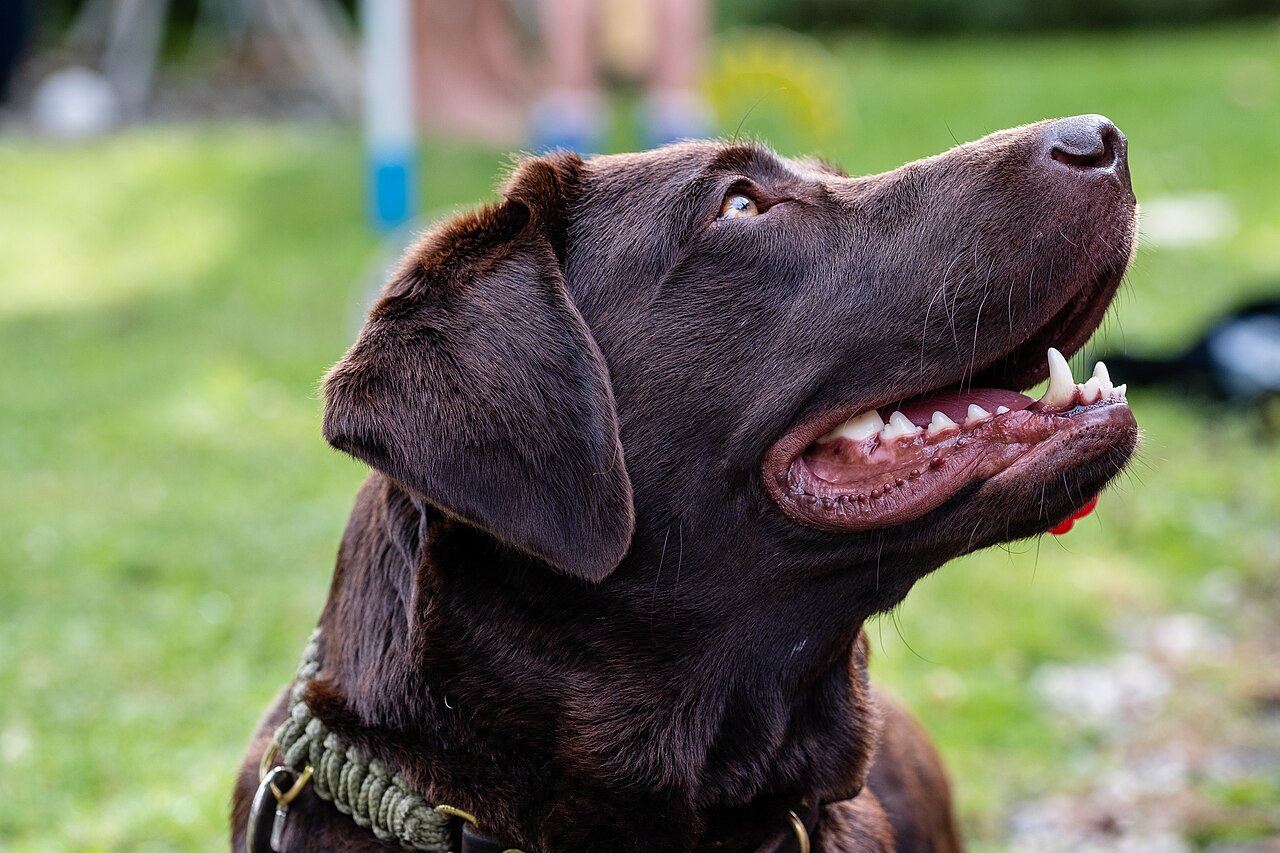
Photo: Dktue, Wikimedia Commons, CC0 1.0.
Actual existing AI-generated sample: approximately 12 seconds, with generated audio. Play with sound to judge the result. One dog example does not establish results for every pet or portrait, exact dialogue or word-level lip sync.
This is a useful starting point if you want your own photo to inspire a short pickup-scene remake and accept a new performance. If exact source timing and voice are essential, investigate an explicit reference-and-audio workflow before buying a photo-led remake.
See the complete making guide, or choose your photo in the generator.
Compare the cost of the whole job
Credits are service-specific. A 150-credit quote on one site cannot be compared directly with 10 credits elsewhere. Check:
- The quote for your chosen duration, resolution and audio options.
- The smallest purchase needed to cover that quote, including leftover credits.
- Whether editing, audio replacement or upscaling costs extra.
- What happens to credits when a job fails, and what counts as a paid new attempt.
- Whether the downloadable file has the sound, format and watermark behavior you need.
The practical cost is what you spend to obtain an acceptable downloadable result. A price advertised for a successful render does not measure how many attempts your particular photo will need. We have not established a cross-provider success rate or a cheapest acceptable-output ranking.
Five questions to ask before you generate
- Whose output is this? Look for a photo-to-result pair attributed to the service you are choosing.
- Which voice will I receive? Distinguish new generated speech, the source recording and a silent export.
- What happens while the visitor talks? Watch whether the visible driver listens or mouths both parts.
- What can I change here? Confirm the actual form supports the prompt, reference or scene change you want.
- What file can I save? Check the final duration, aspect ratio, sound and download path.
If you ask ChatGPT to help you choose, make the request concrete: “I have one photo of my dog. I want a pickup-window reaction video with new speech, a quote before generation and an MP4 download. Show me actual examples and explain the audio.” Replace “new speech” with “the exact original recording” if that is your priority.
Continue with the right guide
- Make your first video for the complete product workflow.
- Use a pet photo for input and paws checks.
- Understand prompts for scene and performance direction.
- Compare sound and lip sync before expecting the original voice.
- Troubleshoot a result before spending on another attempt.
- Save and post to TikTok when the result is ready.