 Hit the Road Dude AIONE PHOTO. YOUR PRIVATE PROPERTY.
To make your pet's Hit the Road Dude video, start with one clear photo of one animal. The creator supplies the white pickup scene and new English dialogue. Your main job is choosing a useful identity reference, then checking whether the result still looks like your pet throughout the clip.
There is a real Labrador example below. Dog and cat photos are accepted inputs, but cats have not had a separate result test. One Labrador is not evidence that every breed, coat pattern or pet gesture will work equally well.
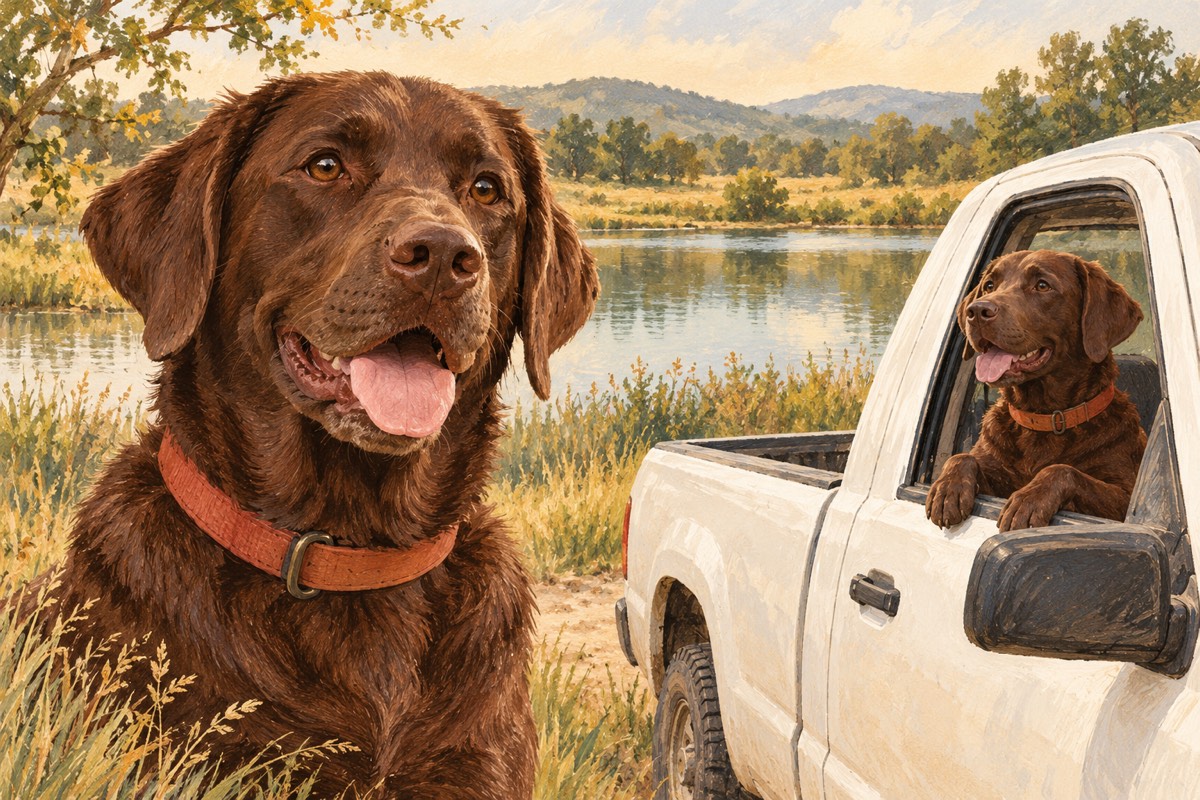
Cover: AI-generated editorial illustration about pet identity. It is separate from the real input and video below.
What the real dog example can tell you
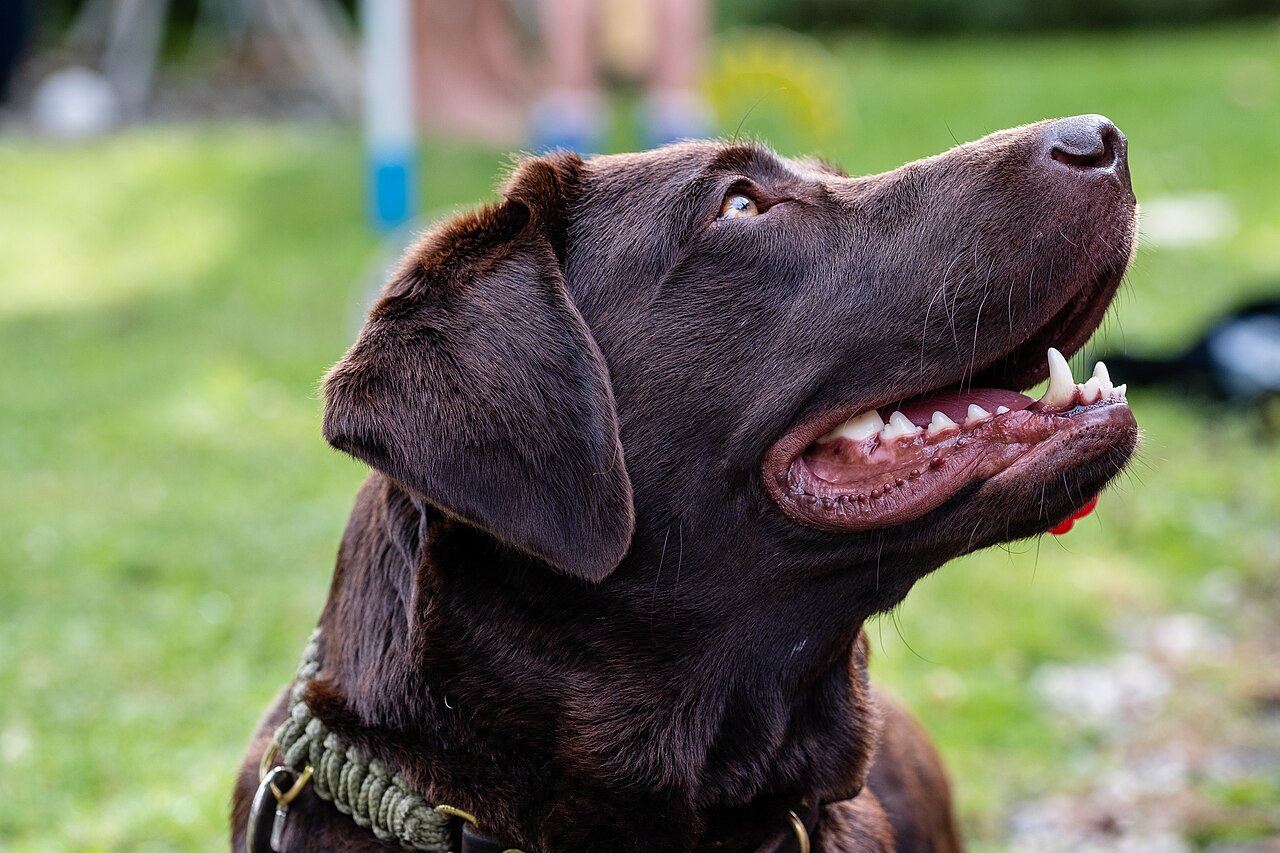
Input: Dktue's Labrador portrait on Wikimedia Commons, CC0. Notice the chocolate coat, broad muzzle, floppy ears and collar. The head is turned upward, the mouth is open, and there is no vehicle in the photograph.
Play or save the original sample MP4. Its opening shows a newly posed dog at the pickup window, with a closed muzzle and forepaws on the door. The new pose and background make this an identity-guided scene, not animation of the source photograph as a fixed first frame.
The useful lesson is narrow: the input does not need a truck, and an open-mouth side portrait was usable in this particular test. That does not establish that angle or expression as the best choice for every animal. The sample also does not prove exact speech or flawless anatomy in every frame.
Build a five-feature identity card before choosing a photo
Write down the details you would notice if a generated animal were merely the same breed. Compare them with the output later.
| Feature | What to note in your own photo | Where to check in the result |
|---|---|---|
| Muzzle | Length, width, nose color, lighter fur around the mouth | Opening, head turn and speaking moment |
| Ears | Upright or folded, size and asymmetry | Both sides during movement |
| Coat | Base color plus distinctive patches or stripes | Face, neck and visible chest |
| Eyes | Eye shape and visible surrounding markings | Calm frame, then reaction |
| Accessory | A recognizable collar, if it matters to you | Around the neck, especially after the head moves |
This is a review method, not a measured prediction of likeness. If your pet is recognizable because of a small forehead patch, choose a photograph where that patch is visible. A second dog partly covering it makes the reference less useful to you even before any generation happens.
Choose a photo for the pet, not for the truck
Use one sharp JPG, PNG or WebP up to 10 MB. A head-and-chest view leaves room to understand the ears and neck. Good, even light makes fur color easier to judge. A front or slight side view is a sensible starting point, while the published Labrador case shows that a stronger side view can also produce a result.
Do not crop away the ears just to make the face fill the entire frame. Avoid a toy over the muzzle, heavy filters or motion blur. For a cat, pay particular attention to forehead stripes, cheek markings, ear tips and the light patch around the mouth. Those are reference-selection tips; we have not run a cat comparison study.
There is no need to place a real pet in a driver's seat, remove its background or create a truck still first. A group photo should be cropped to one animal. Multiple pets, banana hats, clipboards and coordinated costumes are not options in the current creator.
Make the video using the prepared scene
Open the photo creator, select the image and sign in. Check the current format and credit offer before choosing Create video:
The sound is newly generated English, not the original man's recording.
No pet script or custom prompt entry is required. The generalized script asks for the subject to remain its original type and for dogs and cats to keep animal forelegs and paws. That is an instruction, not a guarantee; the generalized script still needs its own validation beyond the original Labrador test.
For account, credit and task steps, follow the complete making guide. This pet guide focuses on what to inspect after generation.
Check the paws through the whole gesture
A paw can look plausible while resting on the door and change shape when it rises. Follow one limb from the shoulder, through the lift, to its resting position. Ask:
- Does it remain attached to the same side of the body?
- Does it stay an animal foreleg and paw rather than growing a wrist and fingers?
- Does another limb appear behind it?
- Does the paw meet the door naturally, or pass through the metal and window edge?
- Is the face still recognizable during the movement?
AI Rap Duo's own guide reports human hands appearing when a dog followed a human reference performance. That is their reported experiment, not a test of our tool. It is a useful reason to distinguish a human gesture copied literally from an animal-appropriate version. Our published sample instead used one photo and a written scene, without a reference video.
Review the muzzle and sound together
A funny expression in a silent loop does not establish speaking accuracy. Play with sound. Locate the off-screen visitor's turn, the dog's reaction and the send-off. Watch the muzzle during each, and compare the head shape at the beginning and end.
For the accepted dog test, sampled frames showed early listening and a later head turn and raised forepaw. Those frame checks did not verify every spoken word or exact pause. If the original recording is essential to your idea, read the audio and lip-sync guide before spending credits.
If the result misses what matters to you
| What you see | Useful next check |
|---|---|
| A generic animal of the same breed | Compare your five-feature card; determine which detail was lost |
| A changed ear or muzzle during the head turn | Inspect the same feature in the first, middle and last frames |
| A human hand or extra paw | Follow that limb through the entire gesture, not a single screenshot |
| Both voices seem to come from the pet | Watch the muzzle during the visitor's line with sound on |
| The task is pending or the download fails | Open the existing task before starting another creation |
Record the issue and keep the original file. A new generation uses credits; do not treat repeated paid attempts as a guaranteed fix. See troubleshooting for task problems and the prompt breakdown if you are experimenting in a compatible DIY tool.
Can I do the same thing with my cat?
You can select a cat photo. The intended scene keeps it a cat, but there is no separately tested cat example here yet. Check the real dog video for the overall approach, then decide whether that untested subject is acceptable for your attempt. Do not assume a banana-hat or multi-cat TikTok uses the same workflow.
Choose one pet photo, or return to all guides.