 Hit the Road Dude AIONE PHOTO. YOUR PRIVATE PROPERTY.
A useful Hit the Road Dude prompt needs more than “a dog in a white pickup.” It has to assign the photo's identity, establish the outside-window camera, separate the unseen visitor from the visible speaker, and leave time for the reaction before the send-off.
Below is our own script from one real Labrador test. It generated a new scene and new English sound, without the original video or recording. It is not a recovered prompt from a viral creator, and it is not a universally validated prompt for every video model.
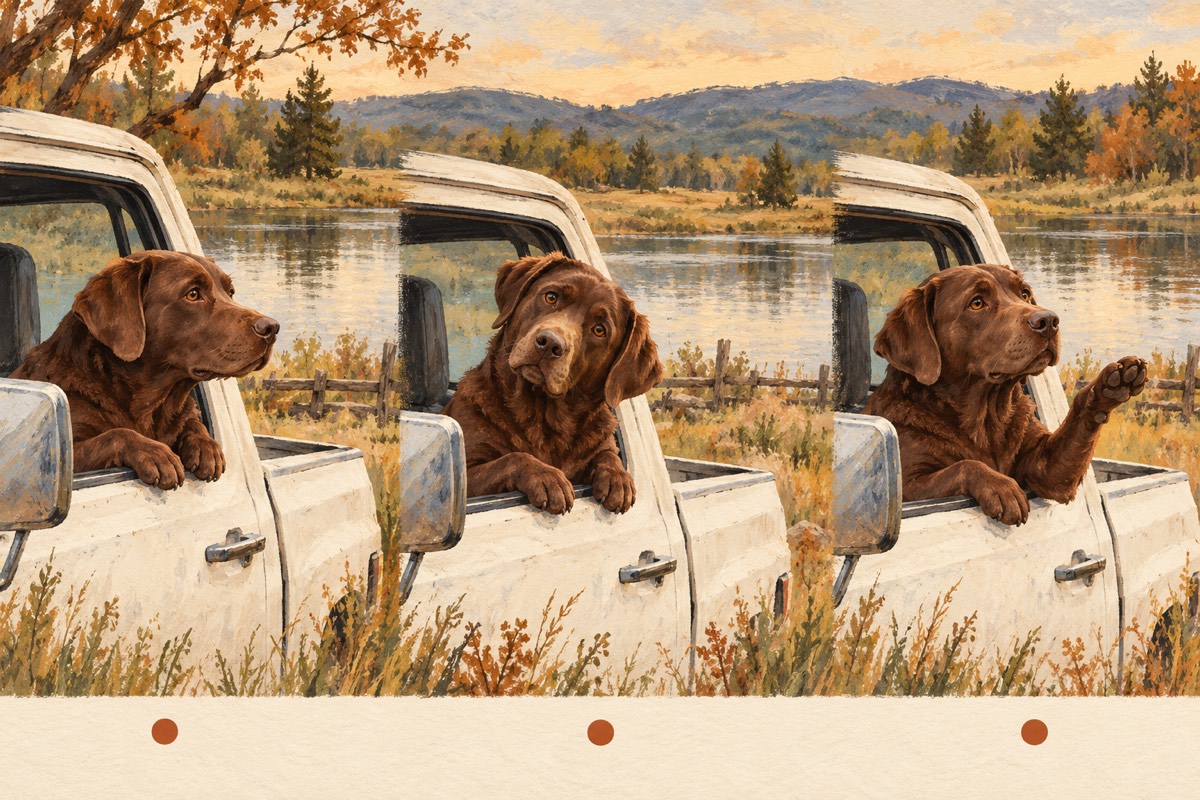
AI-generated editorial storyboard. These are conceptual illustrations, not frames from the actual test.
If you only want to make the video here
Use the photo creator. The scene is already prepared; there is no custom prompt field to paste into. The following format facts come from the same catalogue as the creator:
For the practical creation steps, follow the complete guide. The rest of this page is for understanding the script or adapting it in a compatible DIY workflow.
What you need before pasting a prompt elsewhere
| Capability | Why it changes the result |
|---|---|
| A photo accepted as a character reference | The prompt's “Image 1” must actually refer to your uploaded image |
| A requested duration that fits the script | A shorter clip cannot be assumed to preserve a longer conversation |
| Generated audio and speech support | Writing quoted dialogue does not add speech to a silent-only workflow |
| The correct image input mode | An exact starting frame and a content reference serve different purposes |
| A vertical output setting | Set the tool's output controls as well as describing the frame |
OpenRouter's official video documentation distinguishes first/last-frame images from content references, and makes generated audio conditional on model support. Check the selected tool's current controls; the same words do not override incompatible settings.
If your tool requires the uploaded image to be the first frame, an ordinary pet portrait may begin as that portrait rather than a pickup shot. You may need a separately prepared scene image in that workflow. Our Labrador test used the photo as an identity reference, so do not assume those input modes are interchangeable.
Copy the original Labrador test prompt
This exact dog-specific script was used with Seedance 2.0 Mini for the published sample. Its chocolate-coat description belongs to that input. Read the scope and result below before treating it as a recipe for another subject.
Create one continuous 12-second vertical phone-camera video with synchronized English dialogue. Use Image 1 only as the dog's identity reference. Preserve the same chocolate-brown Labrador coat, broad muzzle, ears, eyes, nose and collar. The dog must remain a dog, not a person wearing a dog face.

Scene: a parked, slightly weathered white pickup truck beside a quiet grassy pond in natural daylight. The dog sits naturally in the driver's position with its upper body visible through the already-open side window. Keep believable occlusion by the door and window ledge. Use one steady, close phone-camera view from outside the window for the entire video. There is only one visible character. The visitor is a voice outside the frame and never appears.

0.0-3.0 seconds: The dog rests its forepaws on the window ledge and listens with a serious expression. The off-screen visitor says in English, "I thought this was state property." The dog's mouth stays closed during the visitor's line.

3.0-7.0 seconds: After a brief stunned pause, the dog tilts its head and asks in an incredulous, dry English voice, "State? This? State?" Leave distinct natural pauses between these three short questions. The dog's muzzle moves only for its own words. Do not rush or overlap the two speakers.

7.0-12.0 seconds: The dog raises one forepaw in a clear, restrained gesture toward the exit and says firmly in English, "Hit the road, dude. This is private property." Finish with a brief stern look. Maintain the same dog identity, seat position, truck window and camera framing throughout.

Keep the forepaws anatomically canine: no human hands, no human fingers, no human torso, no extra limbs. Keep the dog's face clear and its muzzle motion synchronized to its assigned dialogue. Use natural outdoor ambience only. No narrator, no background music, no subtitles, no text overlays, no cutaways, no montage, no additional dialogue and no additional characters. This is a new scripted reenactment; no original video or original audio is provided.
See the input and the actual output
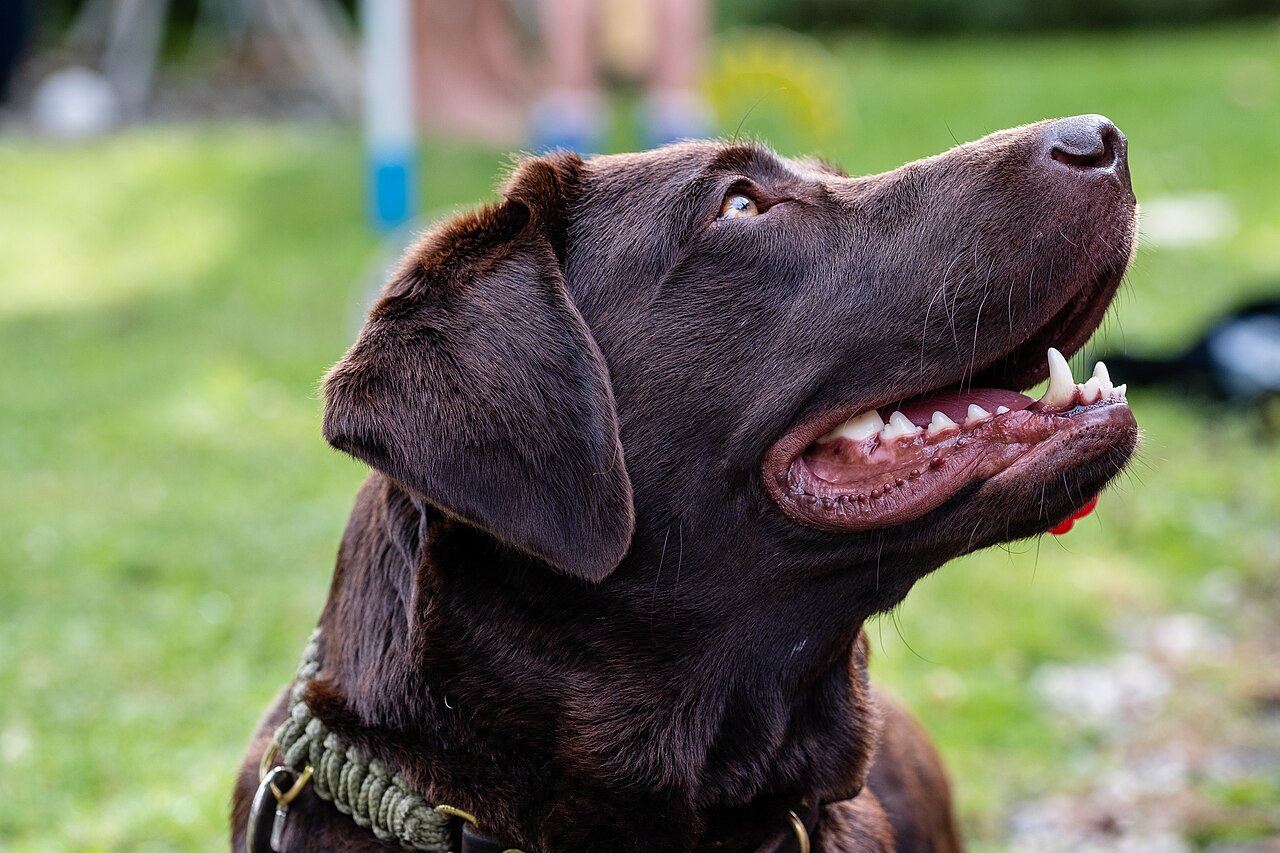
Photo: Dktue, Wikimedia Commons, CC0.
Open the complete test MP4. The returned file was about 12.06 seconds, 496 × 864 pixels, with an audio track. The full sample was accepted as the first-version direction. That acceptance does not establish precise speech or lip sync.
| Script intention | What the recorded frame review established |
|---|---|
| Listen first | Sampled early frames showed a closed muzzle and paws on the window |
| React in the middle | Sampled middle frames showed muzzle movement and a head turn |
| Make one final gesture | A sampled frame around nine seconds showed a raised forepaw |
Sparse frames cannot establish every word, exact pause lengths, speaker assignment throughout, or anatomy in every intervening frame. Listen and watch the complete file rather than interpreting the prompt's instructions as achieved results.
Why the prompt has six separate jobs
- Identity: the photo chooses the character, while the words name features to retain.
- Scene: the parked truck and open window establish the recognizable setting without adding driving.
- Camera: one outside view makes the unseen visitor's position clear.
- Roles: the visitor speaks off-screen; the visible character is assigned its own lines.
- Timing: listening, reaction and gesture occupy separate intervals rather than one overloaded sentence.
- Constraints: canine anatomy, no extra characters and no cutaways define what should stay stable.
These are reasons for the script's structure, not six independently tested improvements. The time ranges are directions; they do not force an exact performance.
Adapt the identity without changing everything at once
For another dog in a DIY tool, replace the chocolate-Labrador identity sentence with a factual description of that animal's visible features. Keep the scene, camera and one-paw gesture stable for the first comparison. See the pet identity checklist before choosing details.
For a cat, the identity and anatomy clauses must describe feline features and paws. For a person, they must describe the person's visible face, hair and clothing, with human arms and hands. These are untested adaptation directions, not demonstrated cat or portrait prompts. The current creator's generalized scene also has not received independent cat, portrait and generalized-dog validation.
A banana hat, several pets, writing on a clipboard and a phone call introduce different tasks. Do not add them all and expect the tested single-dog result to establish those capabilities.
Change the part that matches the problem
| Problem in a DIY result | A focused experiment, not a guaranteed fix |
|---|---|
| Wrong animal features | Check the image reference mode and rewrite only the identity description |
| Visible pet speaks during the visitor's line | Make speaker roles and silent intervals explicit |
| Human fingers appear | Inspect whether a human reference is driving the motion; remove human-only props and gestures |
| The scene rushes | Reduce the requested actions or dialogue rather than adding another ending |
| No speech | Check actual audio support and output settings before rewriting adjectives |
Save the original output and settings so you can compare. A new render can cost money or credits. Replacing the audio after generation does not, by itself, repair incorrect mouth movement; see sound and lip sync.
If you want the original performance or recording, start with the methods comparison. If you want this prepared single-photo approach, choose your photo here.